Recent Updates for HTML to PDF Conversion Options
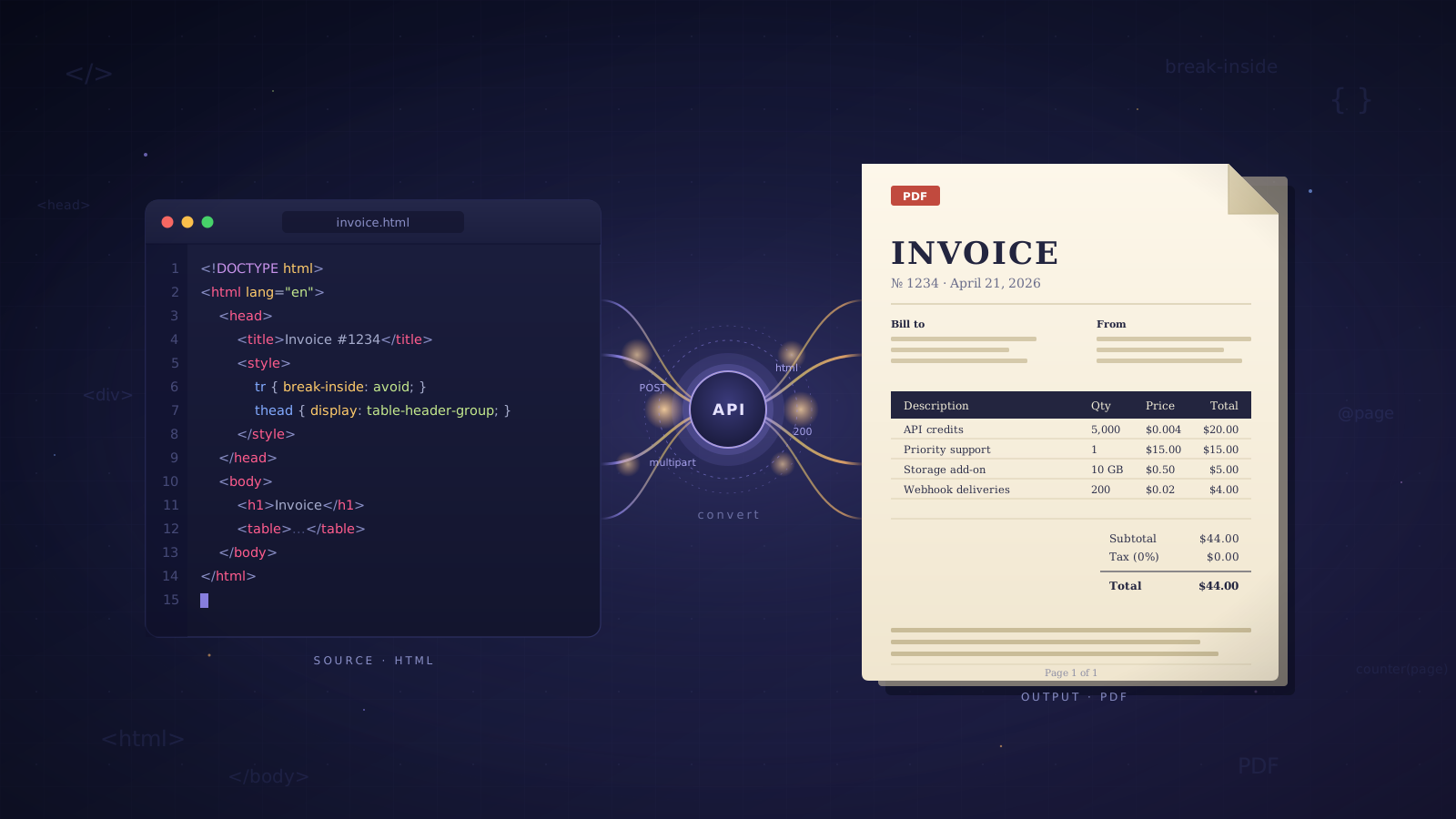
Picking an HTML to PDF API should be a quicksearch. Well it's not that easy. Five providers will hand you five different billing models, trial tiers that aren't directly comparable, and marketing pages that read as if the services are interchangeable. They're not, and the differences cost you either money or time once something is in production.
Under the "POST the file, get the PDF" sameness, these services are built for different buyers. One charges by the output file size. Another runs credits that mean different things depending on what operation you ran. Two bill per conversion but target wildly different customers. The fifth is Adobe, and sells an annual enterprise contract. The cheapest sticker price is rarely the cheapest for any specific workload, and the service with the longest feature list is rarely the one you want for a plain invoice.
This post compares five services on the things that actually vary: PDFCrowd, PDF.co, ConvertAPI, Adobe PDF Services, and EnConvert (the one used in the code example, because the request shape is representative of the category). Not a ranked list. Five positioning calls, with the numbers behind each one.
The quick map of billing models
The five split cleanly on how they charge. PDFCrowd bills by output file size, one credit per 0.5MB of PDF produced. PDF.co runs a credit system where the credits per operation depend on what you did (per page for OCR, per call for an HTML conversion, and so on). ConvertAPI bills straight per conversion, priced higher than the category average because its compliance coverage is real. Adobe bills document transactions under an annual contract negotiated with sales. EnConvert also bills per conversion, but across a wider set of endpoints and with a published self serve rate.
That difference matters more than any feature list. Run the same workload through the five billing models and cost can spread 5x or 10x. The right pick depends on what documents you're producing, not what the homepage says.
PDFCrowd: billed by output file size
PDFCrowd has been around the longest in this list. The product is a REST API plus SDKs in Python, Node, Ruby, PHP, Java, .NET, and Go, wrapped around an HTML to PDF engine and a handful of related conversions (image to PDF, PDF to text, PDF to image).
The billing is the piece worth paying attention to. One credit equals 0.5MB of output PDF. A simple invoice costs a fraction of a credit. A 200 page report with embedded fonts and product images can burn ten or twenty credits in one conversion. Packages run roughly from $11 a month at the cheapest tier up to about $106 a month, with an Enterprise tier above that. Free trial is 100 test credits valid for one month.
If HTML to PDF is the whole workload and documents are predictable in size (invoices, receipts, weekly reports), PDFCrowd is a solid pick with genuinely deep SDK coverage. If document sizes are variable, push a handful of representative samples through the trial before committing to a plan. Size based billing is friendly when the size is small and unforgiving when it isn't.
PDF.co: credits that mean different things for different operations
PDF.co has probably the widest feature surface in this comparison. HTML to PDF lives alongside merge, split, compress, OCR, form fill, barcode generation, AI assisted data extraction, and a long list of PDF manipulation endpoints. Integrations with Zapier, Make, and n8n suggest a healthy portion of the userbase aren't calling the API from code directly.
Pricing runs on credits consumed either per page or per call depending on the operation. Tiers from cheapest up: TINY at $5 a month (250 credits), Basic at $9.99 (16,500 credits), Business 1 at $49.99 (80,500 credits), Business 2 at $99.99 (159,850 credits), Business 3 at $299.99 (483,000 credits). New account trial includes 10,000 credits.
The pitch is the breadth. If the workload is HTML to PDF plus PDF manipulation plus occasional OCR or AI extraction, one account covers everything. The trade off is that credits mean different things for different operations, which makes the pricing page read more like a rate card than a plan list. Spend a session in the calculator before picking a tier.
ConvertAPI: per conversion with compliance weight
ConvertAPI leads with compliance. GDPR, ISO 27001, HIPAA, and SOC 2 certified, with signed BAA agreements available on the Business tier and dedicated private servers at higher plans. Over 500 conversion types and a PDF toolset (watermarking, redaction, OCR, splitting, accessibility compliance) that goes deeper than anything else in this comparison.
HTML to PDF specifically runs on a headless Chrome engine, which the product page states directly. Free trial is 250 conversions. Paid pricing is on the high side for this category: community references cite around $84 a month for 5,000 conversions and $150 for 15,000, though anyone evaluating seriously should confirm the current pricing on the ConvertAPI site before committing.
Straightforward call: if the compliance coverage is something legal or procurement actually needs to sign off on, this is already on the shortlist. If it isn't, the same conversions cost noticeably less on every other service here.
Adobe PDF Services API: enterprise contract
Adobe PDF Services API isn't really in the same category as the rest. It's Adobe, which means the brand weight is real, the PDF rendering is reference standard, and the feature set stretches past what the smaller platforms offer: electronic signatures through Acrobat Sign, document generation from Word templates, PDF Extract with structured output from scanned PDFs, and a document embed API for building reader experiences in a webpage.
The free tier is 500 document transactions a month, generous for evaluation purposes. A document transaction is essentially one API call plus its output. Past the free tier there is no self serve checkout. Paid usage is an annual commitment negotiated with sales, billed on volume. Community references put enterprise pricing somewhere around five cents per call at a 500,000 calls per year minimum, but that figure is anecdotal and worth confirming directly.
If the organisation already runs on Adobe elsewhere, or needs PDF Extract to pull structured data out of scanned documents, Adobe is the natural pick. For a side project, a startup, or any team where procurement doesn't mean an annual contract, the lack of a self serve paid tier alone is a reason to look at one of the other four.
EnConvert: per conversion across a broader surface
EnConvert is a file conversion API with around 45 endpoints. Closest comparisons in this list are PDF.co and ConvertAPI. Multi format platforms where HTML to PDF is one conversion among many rather than the whole product. Endpoints cover HTML to PDF, URL to PDF, document conversion across DOCX, XLSX, PPT, and Markdown, image conversion across roughly 20 formats including HEIC, WebP, SVG, and TIFF, and data format transforms between JSON, XML, YAML, and CSV.
The HTML to PDF endpoint supports the expected options: page size (A4, Letter, Legal, Tabloid, Ledger, plus A0 through A6 and B0 through B5), custom dimensions in millimetres, portrait or landscape orientation, configurable margins, header and footer templates with placeholders for the current page number and total pages, and a scale knob that's useful when a table runs slightly wider than the page.
What EnConvert has that nothing else in this comparison does: public API keys that are domain locked and safe for browser side use, plus embeddable iframe widgets that drop into any webpage. That matters when you're adding conversions to a SaaS dashboard or a WordPress install and don't want to stand up a backend just to hold an API secret.
What's missing, to be straight about it: the AI extraction that PDF.co ships, the signature flow in Adobe, and the very deepest PDF manipulation toolset still belongs to ConvertAPI. All of that is on the roadmap. None of it is shipped today.
Pricing: 100 conversions a month free. Starter is $19 for 2,000 conversions across all endpoints, or $9.50 per thousand. Pro is $49 for 10,000 ($4.90 per thousand). Business is $149 for 50,000 ($2.98 per thousand). Per unit cost drops sharply with volume. All paid plans come with a 14 day free trial.
Calling the HTML to PDF endpoint from code
Integration is a standard multipart HTTPS POST. Smallest working call in cURL:
curl -X POST https://api.enconvert.com/v1/convert/html-to-pdf \
  -H "X-API-Key: YOUR_API_KEY" \
  -F "file=@invoice.html;type=text/html" \
  -o invoice.pdf
Same request in Python using requests:
import requests

with open("invoice.html", "rb") as f:
    r = requests.post(
        "https://api.enconvert.com/v1/convert/html-to-pdf",
        headers={"X-API-Key": "YOUR_API_KEY"},
        files={"file": ("invoice.html", f, "text/html")},
        timeout=60,
    )
r.raise_for_status()

with open("invoice.pdf", "wb") as out:
    out.write(r.content)
For a specific page size, custom margins, or a footer with page numbers, attach a pdf_options JSON field alongside the file. Full reference lives in the docs.
The numbers at a glance
A direct cost comparison across these five doesn't reduce to a single table because the billing units don't line up. Starting point for each:
Service | Free tier | Paid entry | What you get | Billing unit |
|---|---|---|---|---|
10K trial credits | $5/mo (TINY) | 250 credits | Credits per page or per call | |
100 trial credits | ~$11/mo | Credit allowance | 1 credit per 0.5MB output | |
100/mo | $19/mo | 2,000 conversions | Per conversion, all endpoints | |
250 trial total | Higher | Varies by tier | Per conversion | |
500/mo | Contact sales | Annual contract | Per document transaction |
A few notes on what the table doesn't show. PDF.co's $5 TINY tier is the cheapest headline price, but 250 credits buys a modest amount of actual work. PDFCrowd's output size billing can swing 20x to 30x between a one page invoice and a 300 page report. EnConvert's per thousand rate compresses from $9.50 at Starter to $2.98 at Business, which beats every other self serve per unit rate published here once volume passes a few thousand a month. ConvertAPI is positioned higher because the compliance work isn't free to maintain. Adobe isn't a realistic comparison unless there's already a procurement conversation running.
What each service can actually do
Price matters less when a cheaper option can't cover the job. A capability grid focused on HTML to PDF and the features people most often end up needing alongside it:
Capability | PDFCrowd | PDF.co | ConvertAPI | Adobe | EnConvert |
|---|---|---|---|---|---|
Billing unit | Output file size | Credits per operation | Per conversion | Per document transaction | Per conversion |
Page size, margins, orientation | Yes | Yes | Yes | Yes | Yes |
Header and footer templates with page number placeholders | Yes | Yes | Yes | Yes | Yes |
Custom webfont support via | Yes | Yes | Yes | Yes | Yes |
Domain locked public API keys (browser side) | No | No | No | No | Yes |
Self serve paid tier | Yes | Yes | Yes | No | Yes |
The output controls that matter most for HTML to PDF (page size, margins, orientation, header and footer templates, webfonts) are a tie. Every service in this comparison handles the standard cases. The real differentiation sits in two places: the billing unit, which is the most consequential choice in the table and is covered in more detail earlier in the post, and two integration details at the bottom. EnConvert is the only service here that exposes domain locked public API keys for browser side use. Adobe is the only one without a self serve paid tier.
Picking by the workload
Tables don't answer "which one should I pick." A quick call by likely workload:
HTML to PDF only, document sizes are predictable and mostly small: PDFCrowd. Size based billing is friendly when sizes stay small, the SDK coverage is broad, and the product isn't trying to be anything else.
HTML to PDF plus OCR plus PDF manipulation plus maybe AI extraction, one account: PDF.co. Widest feature surface in the list, and low code integrations (Zapier, Make, n8n) matter if the workload touches no code tools.
Regulated industry work, HIPAA or signed BAA required: ConvertAPI. Compliance costs real money to maintain and ConvertAPI's pricing reflects that, but it's priced for the customers who need that coverage.
Organisation with an existing Adobe footprint, or an enterprise procurement process that expects an annual contract: Adobe PDF Services API. Brand weight, reference standard rendering, and the usual Adobe compliance story. Expect a sales call before the first paid request.
Client side integration, iframe widgets, or adding conversions to a WordPress site without standing up a backend: EnConvert. Domain locked public API keys and embeddable widgets aren't available on any of the other four at a comparable price.
HTML to PDF at scale, past a few thousand conversions a month: EnConvert. $2.98 per thousand at the Business tier is the cheapest published per unit rate in this comparison at that volume.
One HTML template, a small team, no strong opinions: any of the self serve options here work. Push the same file through two or three trials and pick the one that renders most accurately without any CSS fighting.
FAQ
Which billing model is cheapest for my workload?
The only honest answer is: run a representative batch through two or three trials. Size based billing (PDFCrowd) is cheapest when documents are small and punishing when they aren't. Per conversion billing (ConvertAPI, EnConvert) makes cost predictable regardless of output size, which is easier to plan around. Credit based billing (PDF.co) rewards concentrated use of cheap operations and penalises heavy ones. Modelling the spend from a pricing page alone is unreliable.
Is self hosting WeasyPrint or Chromium still worth it?
Sometimes. The shape that works is predictable HTML (internal dashboards, a fixed set of report templates), high enough volume that per call cost dominates engineering time, and a team that actually enjoys maintaining font installation and browser updates. For arbitrary HTML from a CMS or a user facing template, the operational tax usually isn't worth the per call savings. Most teams that start self hosted migrate to a managed API within two years.
Which of these has a real free tier for production, not just evaluation?
Realistically, none. Adobe's 500 document transactions a month is generous, but the terms of service exclude some production scenarios, so the fine print matters. EnConvert, PDFCrowd, and PDF.co all have smaller free tiers designed for evaluation rather than ongoing production use. For anything running in production, the $5 to $19 entry points are the practical floor.
Can I evaluate without entering a credit card?
On four of the five, yes. EnConvert, PDF.co, PDFCrowd, and Adobe all let you create an account and get API access without a card on file. ConvertAPI's trial works the same way. The cards only come in once you're moving to a paid plan, and at that point every service in this list offers at least a short money back or free trial window.
Starting points
The answer to "which HTML to PDF API should I use" is usually the service that renders your typical document the way you expected on the first request. That's something you learn by running the same HTML through two or three trials, not from a feature list. Billing models, compliance claims, and support tiers all matter less than whether the output looks right without an afternoon of CSS debugging.
If EnConvert fits the shape of the job, the playground runs conversions without an account, which is enough to confirm the output on a real template. The $19 Starter tier opens the per conversion billing across all 45 endpoints and includes a 14 day free trial. Same request shape as every other self serve option in this post.